

SP NET app for AndroidVersion 1.4.4
Your connection, in your pocket.
Stream movies and live TV on SP NET's own servers, pay your bill, and call the help line — all from one free app.
Download APKGoogle Play — coming soon
Free · Android 7.0 or newer · about 1.5 MB
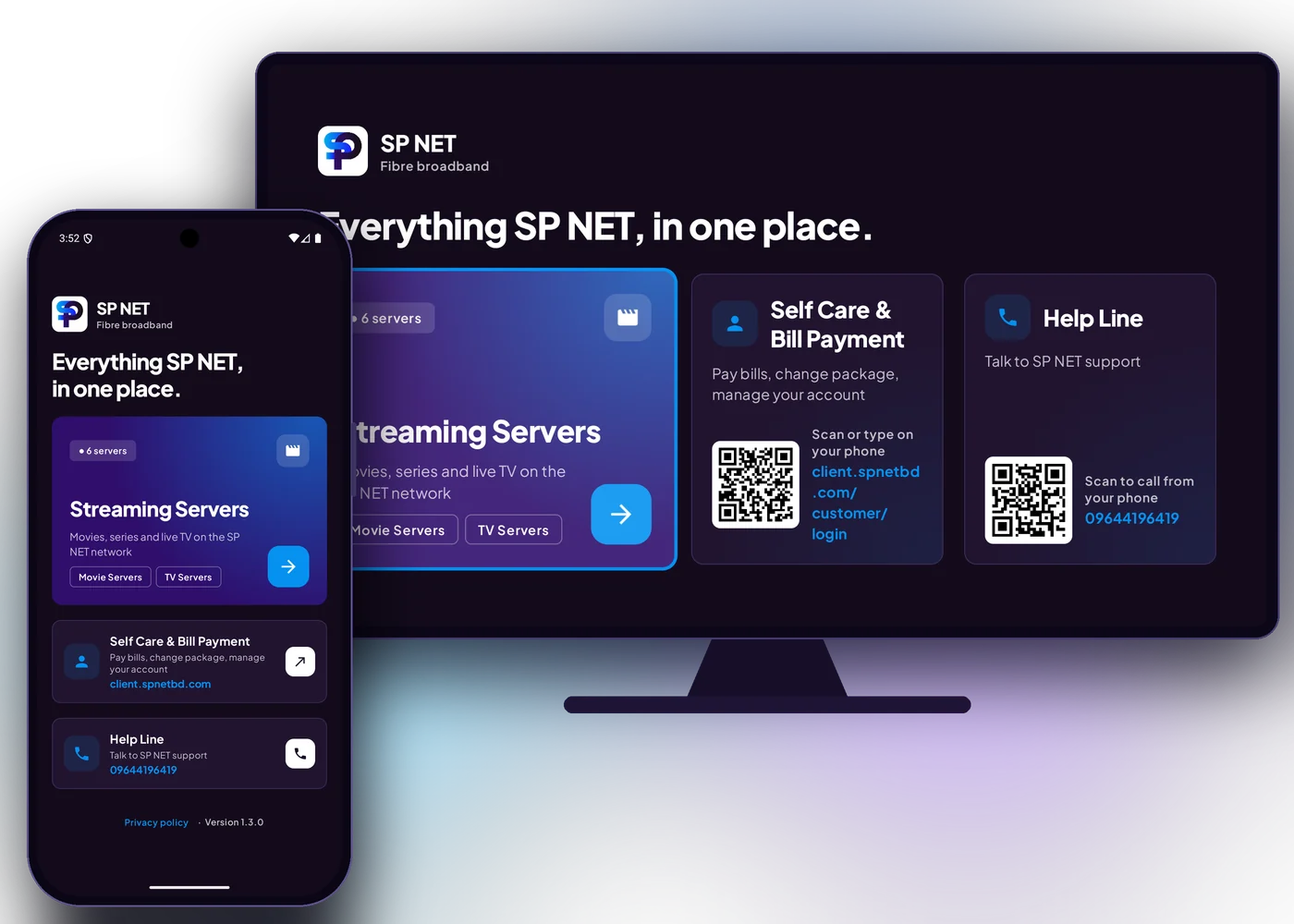
What the app does
Streaming servers
Every SP NET movie and live TV server in one list. BDIX servers stream at full speed on our network.
Self care & bill pay
Open your SP NET account to pay bills, change package and check your connection.
One-tap help line
Call support straight from the app when something isn't right.
Works on Android TV
Install it on your TV box and browse servers with the remote.
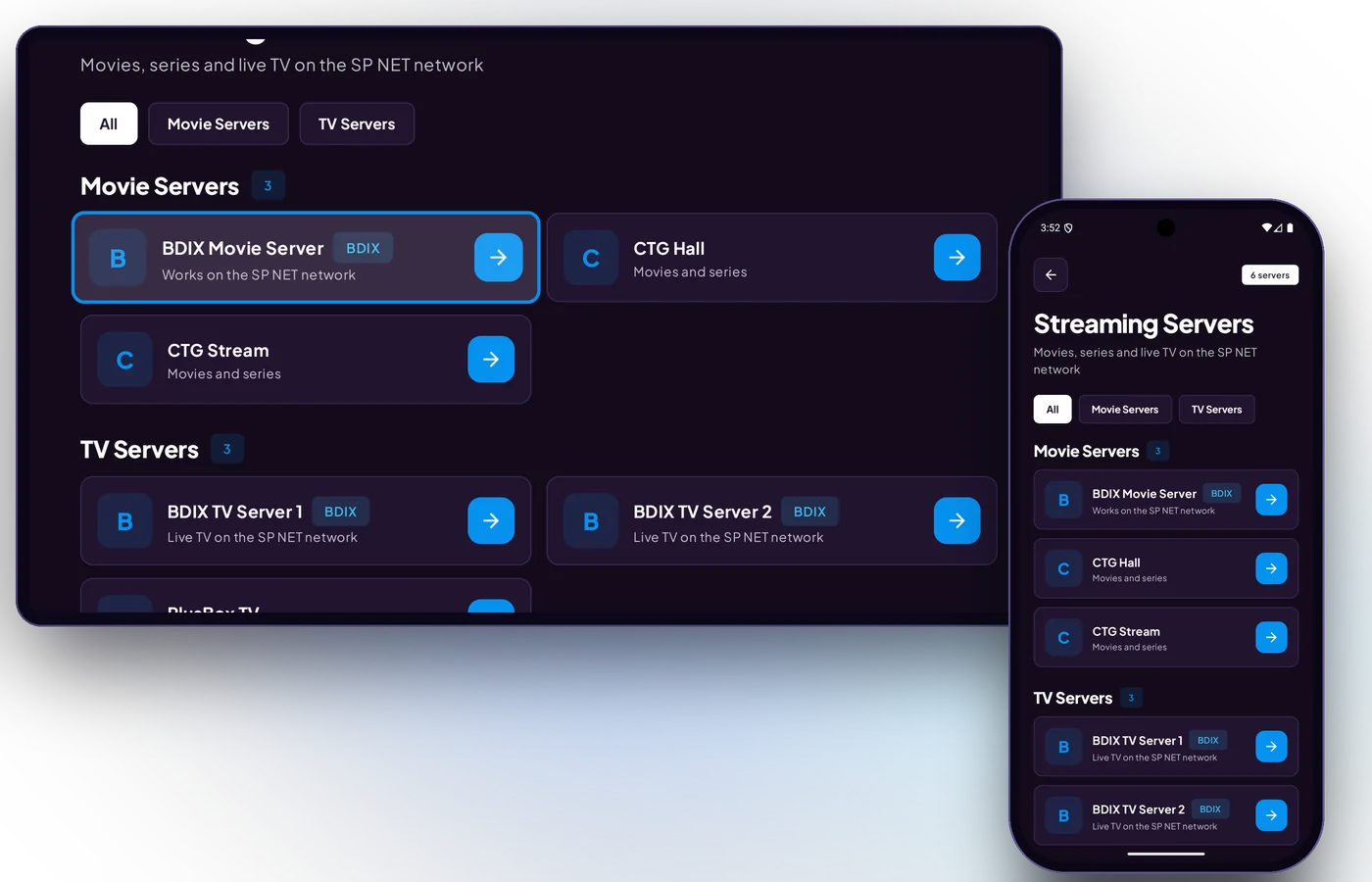
Every server, on your phone and your TV
Movie and live TV servers are grouped and ready to open. On Android TV, move around with the remote and press OK — BDIX servers stream at full speed on the SP NET network.
Installing the APK
- 1Tap Download APK on your Android phone or TV box.
- 2Open the downloaded file. If Android asks, allow your browser or file manager to install unknown apps.
- 3Tap Install, then open SP NET.
Already installed from Google Play? Update it from Google Play instead.